On this page (32)
- Table of Contents
- What Making a Book Actually Involves
- How to Make a Book Step by Step
- 1. Finish and Structure the Manuscript
- 2. Get It Professionally Edited
- 3. Choose Your Format
- 4. Design a Cover That Matches Genre Expectations
- 5. Format the Interior
- 6. Secure an ISBN and Set Up Metadata
- 7. Choose Your Publishing Route
- 8. Upload, Proof and Publish
- 9. Launch and Market
- First Time Author Checklist
- How to Make an Ebook Versus a Printed Book
- Ebook Production and Ebook Design Explained
- Common Ebook Production Mistakes
- Where to Buy Ebooks and Where to Sell Yours
- DIY Versus Hybrid Versus Full Service Publishing
- Who This Guide Is Best For
- Book Marketing After Your Book Is Made
- Metrics and KPIs That Show Your Book Is Working
- Working With Olive Publishers
- Frequently Asked Questions
- How do I make a book from scratch with no experience?
- How much does it cost to make a book?
- How do I make an ebook from a Word document?
- Do I need an ISBN to publish an ebook?
- What is the difference between self-publishing and hybrid publishing?
- How long does it take to make a book?
- Can I make both a print book and an ebook from the same manuscript?
- Where is the best place to sell my ebook once it is finished?
- Ready to Turn Your Manuscript Into a Finished Book
Learning how to make a book starts long before a manuscript ever touches a printer or an upload screen. It starts with a decision about what kind of book you are building, who it is for as well as how it will reach readers once it exists. Whether you are writing your first novel, putting together a business guide, or figuring out how to make an ebook from a stack of blog posts, the process follows the same basic shape. This guide walks through that entire shape, from first draft to launch day, with the same level of detail a publishing professional would use with a paying client.
To make a book, you write and edit the manuscript, choose a trim size and interior layout, design a cover, format the file correctly for print or for an ebook reader, secure an ISBN, then publish through a platform like Amazon KDP or a full service publisher before running a launch marketing plan.
- Write and professionally edit the full manuscript before touching design
- Choose your format print, ebook or both since each has different production steps
- Design a cover and interior layout that match your genre's reader expectations
- Get an ISBN, format the files correctly, then publish on the platforms your readers actually use
- Plan your marketing before launch day, not after it
Table of Contents
- What Making a Book Actually Involves
- How to Make a Book Step by Step
- How to Make an Ebook Versus a Printed Book
- Ebook Production and Ebook Design Explained
- Where to Buy Ebooks and Where to Sell Yours
- DIY Versus Hybrid Versus Full Service Publishing
- Who This Guide Is Best For
- Book Marketing After Your Book Is Made
- Metrics and KPIs That Show Your Book Is Working
- Working With Olive Publishers
- Frequently Asked Questions
What Making a Book Actually Involves
Making a book is really four separate projects stacked on top of each other, meaning writing, editing, design plus distribution. Most first time authors picture only the first one. They imagine finishing a manuscript and assume the rest happens on its own. In practice, each stage has its own skill set, its own tools plus its own way of going wrong if it is rushed.
A finished manuscript is a document. A finished book is a product, with a cover built to stop a scroll on Amazon, an interior formatted to a reader's device or trim size, metadata that helps search engines and retailers surface it, plus a plan for getting it in front of the right readers. Skipping any one of those pieces is the single biggest reason self-published books underperform. Industry data backs this up: 3.5 million self-published titles were issued ISBNs in 2025 alone, a jump of nearly 39% over the prior year, yet more than 90% of self-published books sell fewer than 100 copies over their entire lifetime. The gap is rarely the writing. It is almost always the production and promotion steps that get skipped.
How to Make a Book Step by Step
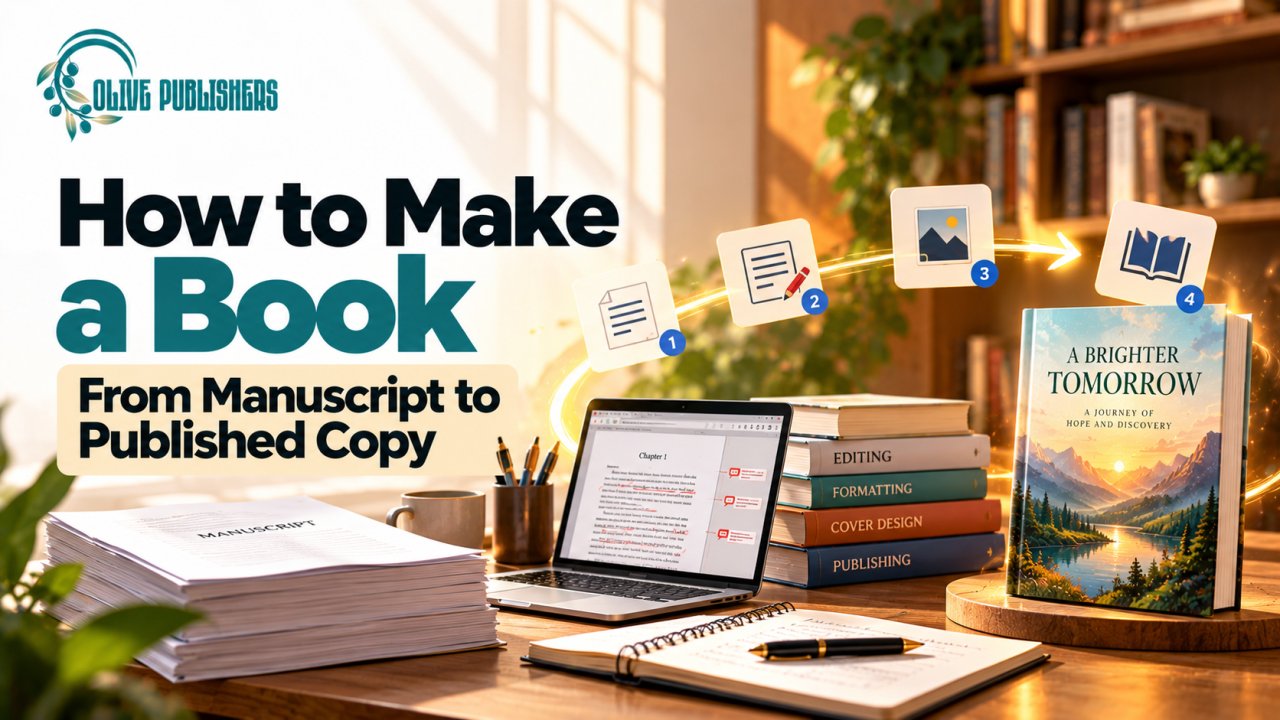
How to make a book comes down to nine stages, skipping the order usually costs more time later than it saves now.
1. Finish and Structure the Manuscript
Write the full draft before editing a single sentence. Trying to polish chapter one while chapter twelve does not exist yet is the most common reason manuscripts stall. Use an outline, even a loose one, to keep the structure consistent while setting a realistic word count target for your genre (commercial fiction generally runs 70,000 to 90,000 words, while nonfiction guides often land between 30,000 and 60,000).
2. Get It Professionally Edited
A developmental edit looks at structure, pacing and plot or argument logic. A copy edit fixes grammar, consistency and clarity. A proofread catches what both passes missed. Skipping straight to proofreading is the most common corner first time authors cut, one that tends to show immediately to readers and reviewers.
3. Choose Your Format
Decide early whether you are producing a print book, an ebook, or both, since this decision changes your trim size, your file types and your cover dimensions. Most authors today release both formats together, because reader preference is genuinely split. Print still commands roughly 78.5% of US trade book revenue, while ebooks sit around 10% and audiobooks have climbed to about 11.5%, actually overtaking ebooks in the US market for the first time in 2025.
4. Design a Cover That Matches Genre Expectations
A cover is a marketing asset before it is art. Readers browsing Amazon's thumbnail grid make a judgment in under two seconds, so your cover needs to instantly signal genre through color, typography and imagery. A literary thriller cover that looks like a cozy mystery cover will actively repel the readers who would have bought it.
5. Format the Interior
Interior formatting differs completely between print and digital. Print formatting sets fixed margins, gutters, running heads and page numbers for a specific trim size. Ebook formatting builds reflowable text that resizes correctly across Kindle, Kobo, Apple Books and other e-readers. Getting this step wrong is the fastest way to generate one-star reviews that have nothing to do with your writing.
6. Secure an ISBN and Set Up Metadata
An ISBN identifies a specific edition of your book and is required by most retailers and libraries for print sales. Your metadata, meaning your title, subtitle, description, keywords and category selections, determines whether readers searching for a book like yours can actually find it. This is the same logic as on page SEO applied to a book listing instead of a webpage.
7. Choose Your Publishing Route
You can self-publish directly through Amazon KDP and IngramSpark, work with a hybrid publisher who splits the workload with you, or hand the entire production and marketing process to a full service publisher. Each route trades cost, control and your own time differently, which the comparison table further down breaks down directly.
8. Upload, Proof and Publish
Order or download a proof copy before your book goes live. Even experienced designers catch formatting issues only once they see the book in physical or on-device form rather than on a monitor.
9. Launch and Market
Publishing day is the beginning of the sales curve, not the end of the project. A book with no marketing plan behind it rarely performs, no matter how strong the writing is.
First Time Author Checklist
If this is your first book, a few extra guardrails will save you real money and real time.
- Do not design your cover before your manuscript is fully edited, since scope and tone can still shift
- Budget for editing first; it has the single biggest impact on reviews and reader trust
- Register your ISBN under your own name or imprint if you want long term control of your rights
- Order a physical proof even if you are ebook only, since it forces a full read through in a new format
- Build your email list before launch day, not after, so you have an audience ready on day one
How to Make an Ebook Versus a Printed Book
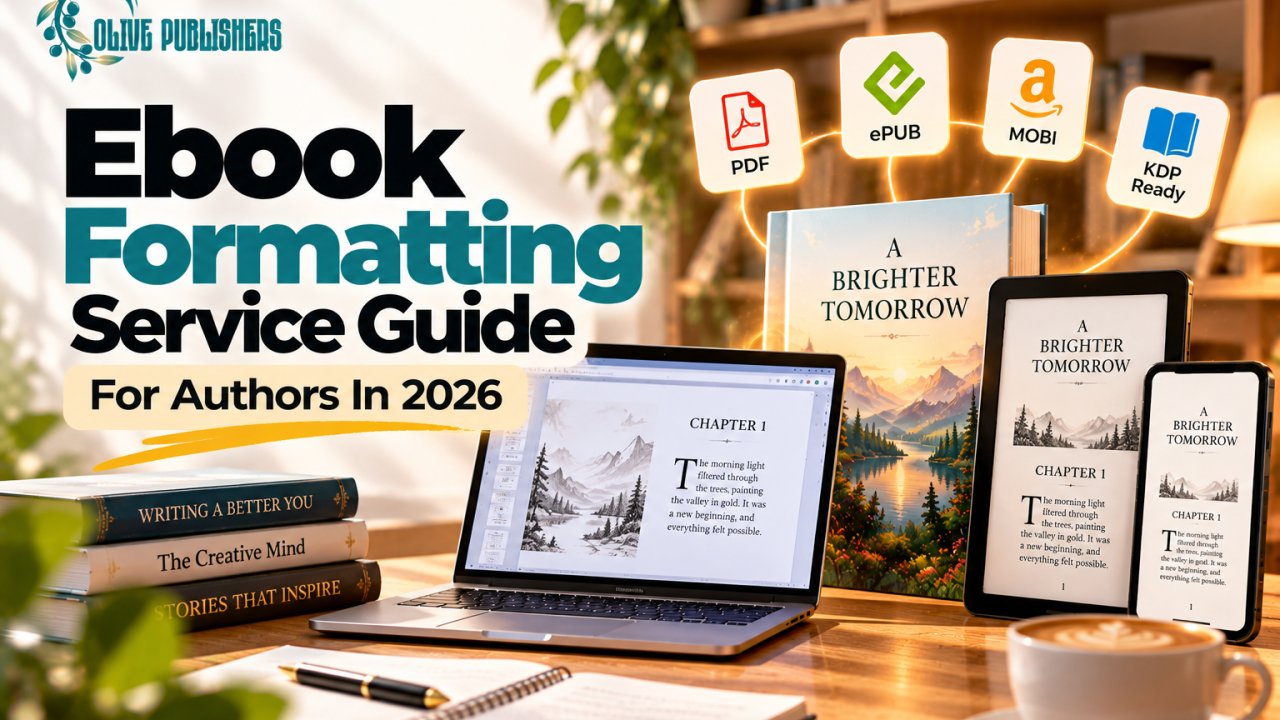
How to make an ebook differs from print at the formatting and distribution stage, even though the writing and editing stages are identical. An ebook uses reflowable text that adapts to screen size, while a print book uses fixed page layout built around a specific trim size. Many authors searching how to make an ebook, how to create an ebook or how to write an ebook are actually asking two different questions at once, namely how do I structure and design the file plus how do I get it in front of readers once it exists. Both matter equally.
If you are wondering how to make a digital book from a manuscript you already have in Word or Google Docs, the short answer is that raw text needs real conversion work. A Word document exported directly to EPUB or MOBI without cleanup will almost always break on real devices, with collapsed headings, broken table of contents links or images that shift position. This is the step where most first time authors searching how to make an e book run into trouble, since the tools look simple on the surface but the formatting rules underneath are genuinely technical.
Ebook Production and Ebook Design Explained
Ebook production is the full process of turning a finished manuscript into a properly formatted digital file ready for Kindle, Kobo, Apple Books and other e-reader platforms, covering ebook design, file conversion, metadata and distribution setup. A well produced ebook reads cleanly on every screen size without the author touching the file again.
Ebook design and ebook layout cover more ground than most new authors expect:
- Front matter including title page, copyright page, dedication and table of contents
- Typography chosen for on screen readability rather than print aesthetics
- Reflowable formatting so chapters resize cleanly on phones, tablets and dedicated e-readers
- Embedded fonts and images that display consistently across Kindle, Kobo and Apple Books rather than just one platform
- Clickable table of contents and internal navigation, which most retailers now require for approval
- A cover formatted to each store's exact pixel and file size requirements
Ebook authoring tools range from free (Reedsy Book Editor, Vellum for Mac users, or Draft2Digital's built in formatter) to professional design software like Adobe InDesign, which most designers use for complex layouts with images, sidebars or nonfiction formatting. For a straightforward novel, template based tools are usually enough. For an illustrated book, a cookbook, or a nonfiction title with charts and pull quotes, professional ebook production support genuinely changes the finished quality, which is where professional ebook formatting and design tends to save authors far more time than it costs.
Common Ebook Production Mistakes
A few mistakes account for most ebook formatting complaints on retailer review pages.
- Using manual line breaks instead of proper paragraph styles, which breaks reflow on different screen sizes
- Embedding images at print resolution, which bloats file size and slows loading
- Skipping a working table of contents, which several major retailers will reject the file over
- Ignoring how the cover renders as a small thumbnail, where fine detail and small text disappear
Where to Buy Ebooks and Where to Sell Yours
Readers looking for books online, whether searching books online, new ebooks, or a specific e-bookstore, now have more legitimate purchase points than at any point in publishing history. Amazon Kindle remains the dominant e-bookstore, controlling close to 83% of US ebook sales once Kindle Unlimited borrows are included, but it is far from the only destination worth knowing about, whether you are buying or publishing.
| Platform | Best for readers buying ebooks | Best for authors selling ebooks |
|---|---|---|
| Amazon Kindle | Largest catalog, Kindle Unlimited subscription access | Largest audience, royalties up to 70% |
| Kobo | Strong outside the US, DRM flexible | Good secondary distribution, direct author dashboard |
| Apple Books | iOS and Mac native reading experience | Second highest revenue source for many indie authors |
| Barnes and Noble Nook | US readers who prefer non-Amazon retailers | Useful diversification, smaller volume |
| Ebooks.com and Kobo Plus | Buying textbooks and niche nonfiction titles | Wider reach for academic or reference titles |
| Direct from author website | Author gets to keep full price, often DRM free | Highest margin per sale, no platform cut |
If you are personally trying to buy ebooks rather than publish them, cheap ebooks for Kindle are usually found through Kindle Daily Deals, Kobo's own promotions, or direct-from-author sales during a launch week, when many authors intentionally drop ebook prices to build early reviews. For textbooks specifically, digital copies of books are often cheaper through Kobo Plus, ebooks.com or a university's own e-library system than through a standard retail purchase.
For authors, the real decision is not which single platform to pick, but how many to use. Around 87% of self-published authors rely on Amazon as their primary platform, yet the authors earning the most consistently diversify across at least two or three, since Kindle Unlimited alone paid self-published authors roughly $711 million in 2025, a figure that sits entirely outside standard publishing industry revenue reports.
DIY Versus Hybrid Versus Full Service Publishing
There is no single correct route to make a book. The right one depends on your budget, your available time and how much of the design and marketing workload you want to handle yourself.
| Approach | Cost | Your time investment | Creative control | Best for |
|---|---|---|---|---|
| Full DIY self-publishing | Lowest upfront cost | Highest, you handle everything | Full control | Authors with design or technical skills and time to spare |
| Hybrid publisher | Mid range, shared cost | Moderate, you approve at each stage | Shared, publisher guides decisions | Authors who want guidance without giving up ownership |
| Full service publisher | Higher upfront investment | Lowest, team handles production | You approve, team executes | Authors who want a professional result without learning every tool |
None of these routes guarantees a bestseller, so any service that promises one is overselling. What a full service route genuinely buys is time and consistency, since editing, cover design, formatting, ISBN setup and launch marketing all happen on a coordinated timeline instead of being learned and executed solo across several different platforms.
Who This Guide Is Best For
This guide, along with full service publishing generally, is the right fit for authors who have a finished or nearly finished manuscript and want a professional, market ready result without personally learning book design software, ebook conversion tools and Amazon's metadata system from scratch. It suits first time authors, business owners publishing a book to support their brand as well as previously self-published authors whose earlier book underperformed due to weak cover design or formatting problems.
It is a poor fit for writers who are still mid draft and not ready to move into production, authors with an unlimited hands on interest in personally designing every layout element themselves, or anyone expecting a guaranteed sales outcome, since no legitimate publisher or marketing service can promise specific sales numbers or bestseller status.
Book Marketing After Your Book Is Made
A published book with no marketing plan behind it competes against roughly 4.2 million new US titles released in a single year, alongside the multi-decade backlist of everything published before it. Getting discovered requires a deliberate strategy that moves a reader from awareness through engagement into an actual purchase, the same funnel that works in any consumer marketing category.
Pre-launch, roughly 6 to 8 weeks out, build an email list using a lead magnet such as a free chapter or short bonus story, start assembling an advance reader team through NetGalley or a personal outreach list, then line up early reviews through Goodreads giveaways, book bloggers and trade reviewers like Kirkus.
Launch week, coordinate pricing promotions, email announcements plus a concentrated push across the social platforms your specific readers actually use, whether that is Instagram, TikTok, Facebook groups or a genre specific forum. Meta ads and small scale influencer partnerships with book bloggers or Bookstagram accounts can meaningfully extend reach during this window, especially when paired with organic content rather than replacing it.
Post launch and backlist marketing is where most authors quietly lose momentum. Search engine optimization on your author website, ongoing content marketing such as blog posts or newsletters related to your book's themes, PR outreach to podcasts and niche media, plus periodic Amazon ad campaigns all keep a backlist title generating sales long after the initial launch spike fades. Books with an active, ongoing marketing presence consistently outsell books that were marketed only in their first thirty days.
Metrics and KPIs That Show Your Book Is Working
You cannot improve what you do not measure, which is exactly why book marketing is no exception. These are the numbers worth actually tracking.
- Amazon Best Sellers Rank (BSR) shows relative sales velocity within a category; lower numbers mean more recent sales, while category specific BSR matters more than the overall store ranking
- Click through rate (CTR) on ads or search results shows whether your cover and title are compelling enough to earn a click
- Advertising cost of sale (ACOS) on Amazon or Meta ads shows whether your ad spend is actually profitable against your royalty per sale
- Email open rate and click rate show whether your list is engaged enough to move real sales on launch day and during promotions
- Conversion rate on your book's product page shows whether people who click through are actually buying, which usually points to cover, description or pricing issues if it is low
- Review count and average rating function as a trust signal that directly affects both reader decisions and Amazon's own algorithm
Tracking even three or four of these consistently gives you a far clearer picture of what is actually working than gut instinct or vanity metrics like social media follower counts, which rarely correlate directly with book sales.
Working With Olive Publishers
Olive Publishers works with first time and previously self-published authors who want the writing, editing, design and marketing stages of making a book handled by one coordinated team rather than pieced together across several freelancers and platforms. That includes manuscript editing, cover design, print and ebook formatting, ISBN setup, plus the book launch marketing work covered above, from email and lead magnet setup through Amazon optimization and PR outreach.
The honest trade off is upfront investment against your own time and learning curve. DIY publishing costs less in dollars but far more in hours, tool learning and trial and error, particularly at the ebook production and Amazon metadata stage where small mistakes are common and genuinely affect how a book performs. A full service route costs more upfront in exchange for a coordinated, professional result and a team that has already made and corrected those mistakes on other authors' books.
No publisher, marketing agency or platform can honestly guarantee a bestseller, a specific sales number or a guaranteed ranking outcome, so any that claims otherwise should be treated with real skepticism. What a reputable full service publisher can offer instead is process, experience and a coordinated timeline. If you want a sense of what that looks like for your specific manuscript, you can compare Olive Publishers' publishing packages or talk with the team directly about your book before committing to any route.
Frequently Asked Questions
How do I make a book from scratch with no experience?
Start by finishing a complete manuscript draft, then move through professional editing, cover design, interior formatting, ISBN registration and finally publishing through Amazon KDP, IngramSpark or a full service publisher. No prior design or publishing experience is required if you use a template based tool or a professional service for the technical stages.
How much does it cost to make a book?
A fully DIY ebook can cost under $200 if you handle editing and design yourself using free or low cost tools, while a professionally edited, designed and formatted book through a full service publisher commonly runs into the low thousands depending on manuscript length, genre and the marketing package included.
How do I make an ebook from a Word document?
Clean up your Word file by removing manual formatting like extra spacing and page breaks, apply consistent heading and paragraph styles, then run it through a converter such as Reedsy Book Editor, Vellum or Draft2Digital's formatter, or have it professionally converted, before uploading to Kindle, Kobo or Apple Books.
Do I need an ISBN to publish an ebook?
Most major ebook retailers, including Amazon KDP, will assign a free identifier automatically, so an ISBN is not strictly required for ebook only publishing. Print books almost always require a proper ISBN, while having your own ISBN for an ebook gives you more control over how it is listed and tracked across retailers.
What is the difference between self-publishing and hybrid publishing?
Self-publishing means you personally handle or personally hire out every stage of production and marketing, keeping full control and full cost. Hybrid publishing means a company shares the production workload and cost with you in exchange for a share of rights or royalties, sitting between full DIY and traditional publishing.
How long does it take to make a book?
Writing typically takes the longest stretch, anywhere from a few months to over a year depending on length and pace. Once a manuscript is finished, professional editing, design and formatting usually take another 8 to 16 weeks, depending on how many rounds of revision are needed and how complex the interior layout is.
Can I make both a print book and an ebook from the same manuscript?
Yes, most authors do exactly this. The manuscript and editing stages are shared, but print and ebook versions need separate formatting since one uses a fixed page layout for a specific trim size while the other uses reflowable text built for screens of different sizes.
Where is the best place to sell my ebook once it is finished?
Amazon Kindle reaches the largest audience and is the right primary platform for most authors, but distributing through Kobo, Apple Books, Barnes and Noble and a direct sales page as well gives you a wider audience and protects you against relying on a single retailer for all of your income.
Ready to Turn Your Manuscript Into a Finished Book
If you have a manuscript sitting on your hard drive and you are unsure which of these steps to tackle first, that uncertainty is normal, sitting exactly where a coordinated publishing team earns its cost. Reach out to Olive Publishers for a direct conversation about your manuscript, your goals and which publishing route actually fits your book, before you spend months learning formatting software the hard way.