On this page (16)
- What Book Formatting Means
- Print Formatting vs. Ebook Formatting
- KDP Print Specifications at a Glance
- What Professional Formatting Should Include
- Prepare Your Manuscript Before Layout
- Typography, Spacing, and Readability
- Front Matter and Back Matter
- Images, Tables, and Special Layouts
- Quality Checks Before Upload
- Choosing a Formatting Partner
- Comparison Table: Common Options
- Common Formatting Mistakes
- A Realistic Example
- How Olive Publishers Can Support Your Book
- Conclusion
- Frequently Asked Questions
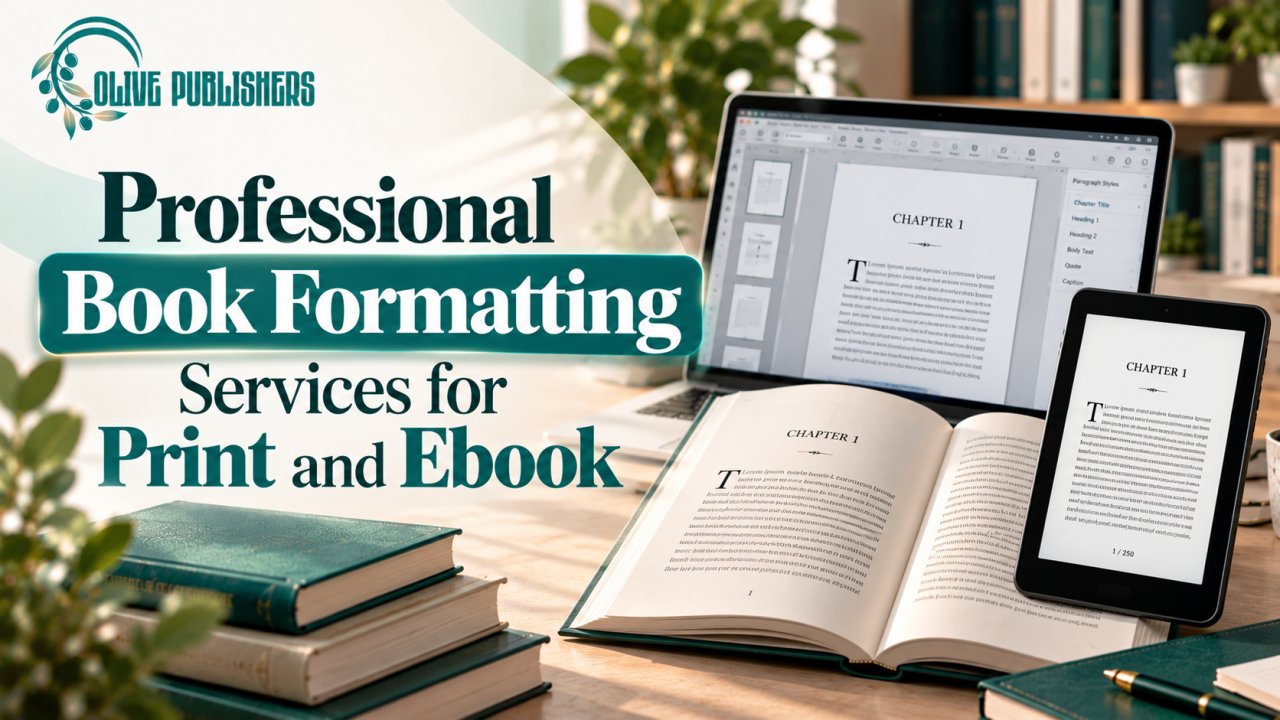
Professional book formatting services turn a finished manuscript into a clean, readable book for print and digital reading. Formatting affects page flow, chapter openings, margins, page numbers, clickable contents, and how a file behaves on different screens. It also decides whether your file is accepted on the first upload.
The stakes are real. Bowker reported more than 2.6 million self-published titles with ISBNs in 2023, up 7.2% on the year before, so a poorly formatted book competes with a very large field. Amazon also holds roughly 67% of the U.S. e-book market, which makes Kindle-ready files especially important.
Quick answer: Professional book formatting services prepare a manuscript with consistent typography, page layout, navigation, and platform-ready file settings. Print books need fixed trim sizes and margins that follow page count, while reflowable ebooks need flexible text and working navigation.
What Book Formatting Means
Book formatting is the arrangement of text and visual elements so readers can follow the content comfortably. It covers interior layout, chapter hierarchy, paragraph styles, front matter, back matter, page numbering, and file export. If you are new to the full process, start with how to make a book.
Print Formatting vs. Ebook Formatting
A printed book has fixed pages, so every line, margin, and image must work at one trim size. An ebook is reflowable: readers change font size and screen settings, and the text must adapt without losing headings, lists, or links. A print-ready PDF is therefore not a suitable ebook file.
- Print: a PDF at your exact trim size.
- Kindle: a reflowable EPUB or DOCX file.
For ebook-specific work, see our ebook formatting service, the ebook formatting checklist for authors, and ebook conversion services.
KDP Print Specifications at a Glance
These are the numbers a formatter works against for a KDP paperback:
| Requirement | KDP minimum |
|---|---|
| Page count | 24 pages minimum |
| Inside margin (24–150 pages) | 0.375 in |
| Inside margin (151–300 pages) | 0.5 in |
| Inside margin (301–500 pages) | 0.625 in |
| Inside margin (501–700 pages) | 0.75 in |
| Inside margin (701–828 pages) | 0.875 in |
| Outside, top, bottom margins | 0.25 in (0.375 in outside edge with bleed) |
| Bleed | 0.125 in |
| Image resolution | 300 DPI |
| Fonts | Embedded, minimum 7 pt |
The page-count trap: a 295-page book needs a 0.5 in gutter, but once back matter pushes it to 305 pages, the minimum jumps to 0.625 in. Always check margins against the final page count, not the first draft.
What Professional Formatting Should Include
A clear scope should state:
- Which editions are included (paperback, hardcover, ebook)
- What source file is needed
- Which formats will be delivered
- How many revision rounds are allowed
- Whether tables, footnotes, or complex images are covered
- Who checks the final files in the platform previewer
Prepare Your Manuscript Before Layout
Finish substantive editing first, since late structural changes affect every page. Use paragraph styles instead of manual formatting, mark scene breaks clearly, and supply images at 300 DPI or higher. Our book editing and formatting articles explain the right order of steps.
Typography, Spacing, and Readability
Good typography supports the reader without drawing attention to itself. Use a readable body font, comfortable line spacing, consistent indents, and restrained bold and italics. Decorative fonts work only in small doses, such as chapter titles.
Front Matter and Back Matter
Front matter may include a half title, title page, copyright page, dedication, and table of contents. Back matter can include acknowledgments, notes, an author bio, a newsletter invitation, or a preview of your next book. Your ISBN appears on the copyright page, so review how to get an ISBN before layout begins.
Images, Tables, and Special Layouts
Illustrated and structured books need extra care. Tables must stay readable at the final page size, footnotes need one consistent system, and ebook layouts must survive font changes. Specialty guides: how to publish a cookbook, how to publish a poetry book, and how to publish a coloring book.
Quality Checks Before Upload
A file can look perfect in Word and still break after export. Inspect:
- Chapter starts and blank pages
- Headers, footers, and page numbers
- Table of contents links
- Image placement
- Widows, orphans, and odd spacing
Open the final export in the KDP previewer and review the whole book, then keep a dated copy of the approved file. If you plan paperback copies, read about book print on demand.
Choosing a Formatting Partner
- Ask for a sample that matches your book type, not only a simple novel.
- Confirm whether both print and ebook editions are included.
- Confirm that files are tested after export.
- Ask who owns the editable source files.
- Check whether platform-driven corrections are included.
Comparison Table: Common Options
| Option | Best suited for | What to confirm |
|---|---|---|
| Print layout | Paperback or hardcover | Trim size, margins, page count, PDF |
| Reflowable ebook | Kindle and digital reading | Navigation, headings, device checks |
| Complex layout | Tables, images, poetry, workbooks | Sample pages and conversion QA |
| Full package | Print and ebook together | Cover size, spine width, consistency |
Common Formatting Mistakes
- Formatting before editing is finished
- Using manual spacing and tabs instead of styles
- Ignoring the gutter change at page-count boundaries
- Uploading a print PDF as the ebook file
- Using low-resolution images (web images are often 72–96 DPI)
- Checking only the first few pages of the preview
A Realistic Example
An author finishes a nonfiction manuscript with tables and chapter summaries, planning a paperback and an ebook. The text is locked first, then a clean source file and a sample layout are shared. The formatter confirms trim size, table treatment, and delivery formats, and a proof pass checks the PDF and the ebook preview before upload. Because the final page count affects the cover, the formatter shares it before the cover is finished. See book cover design services cost and what to put on the back cover of a book.
How Olive Publishers Can Support Your Book
Olive Publishers is a New York based author services company offering writing, editing, design, publishing, and marketing support. Before starting, explain what is complete, what remains, your target readers, planned formats, and deadlines, then request a clear scope with named deliverables and a realistic schedule. Authors in Manhattan can also visit Olive Publishers Manhattan, and those comparing options can read self-publishing packages.
Conclusion
Professional book formatting services work best when the manuscript is final, the formats are defined, and the files are tested against platform rules. Start with your audience and publishing plan, confirm print and ebook specifications, and review the full preview before upload. To talk through your book and next steps, contact Olive Publishers.
Frequently Asked Questions
What is included in professional book formatting services?
Typically interior layout, consistent headings, paragraph styles, page numbers, front and back matter, ebook navigation, and export to agreed file types. Confirm whether print and ebook editions, images, tables, and post-export checks are included.
Do I need separate formatting for print and ebook?
Usually yes. Print files use fixed pages, margins, and trim size, while reflowable ebooks adapt to different screens. A print PDF should not be used as an ebook file.
Can I format a book in Microsoft Word?
Word works for straightforward books when styles and page settings are used carefully. Illustrated or table-heavy books often need specialist tools or professional review.
When should formatting happen?
After substantive editing and copyediting, once the text is stable. Proofreading then checks the laid-out version.
What margins does KDP require?
The inside margin runs from 0.375 in (24–150 pages) up to 0.875 in (701–828 pages). Outside, top, and bottom margins must be at least 0.25 in without bleed.
How do I choose a formatting provider?
Ask for samples similar to your book, a list of deliverables, revision terms, file ownership details, and confirmation of included formats.
Can formatting fix editing problems?
No. Formatting corrects layout, not unclear sentences or missing chapters. Fix those first and proofread after layout.
Why is a table of contents important in an ebook?
It helps readers navigate chapters. It should match the heading structure and use working links, so test them in the final file.
Related services: ebook formatting service | ebook conversion services | book publishing | self-publishing packages | book cover design | audiobook creation services | book marketing services