On this page (31)
- What Do You Need to Make a Book?
- How to Make Your Own Book in 10 Steps
- Step 1 Choose a Clear Topic and Reader
- Step 2 Outline and Write the First Draft
- Step 3 Edit in Rounds
- Step 4 Create the Cover
- Step 5 Set Up Your Book Template and Layout
- Step 6 Buy an ISBN and Register Copyright
- Step 7 Pick How You Will Print
- Step 8 Order a Proof and Fix Errors
- Step 9 Make the Digital Version
- Step 10 Publish and Sell
- Make a Book Online With a Book Making Website
- Book Cost and What Drives the Price
- How to Make a Book by Hand
- Get Readers After You Publish
- Which Numbers Show Your Book Is Working
- Who This Guide Is For and Who Should Look Elsewhere
- Making a Book for the First Time
- Book Making Help From Olive Publishers
- Ready to Make Your Book?
- Frequently Asked Questions
- How do I make a book from scratch?
- How much does it cost to make a book?
- Can I make a book online for free?
- How do I make a book digital?
- What do you need to make a book?
- How do I create a book template?
- Where can I publish my book?
- How long does it take to make a book?
- About the Olive Publishers Team
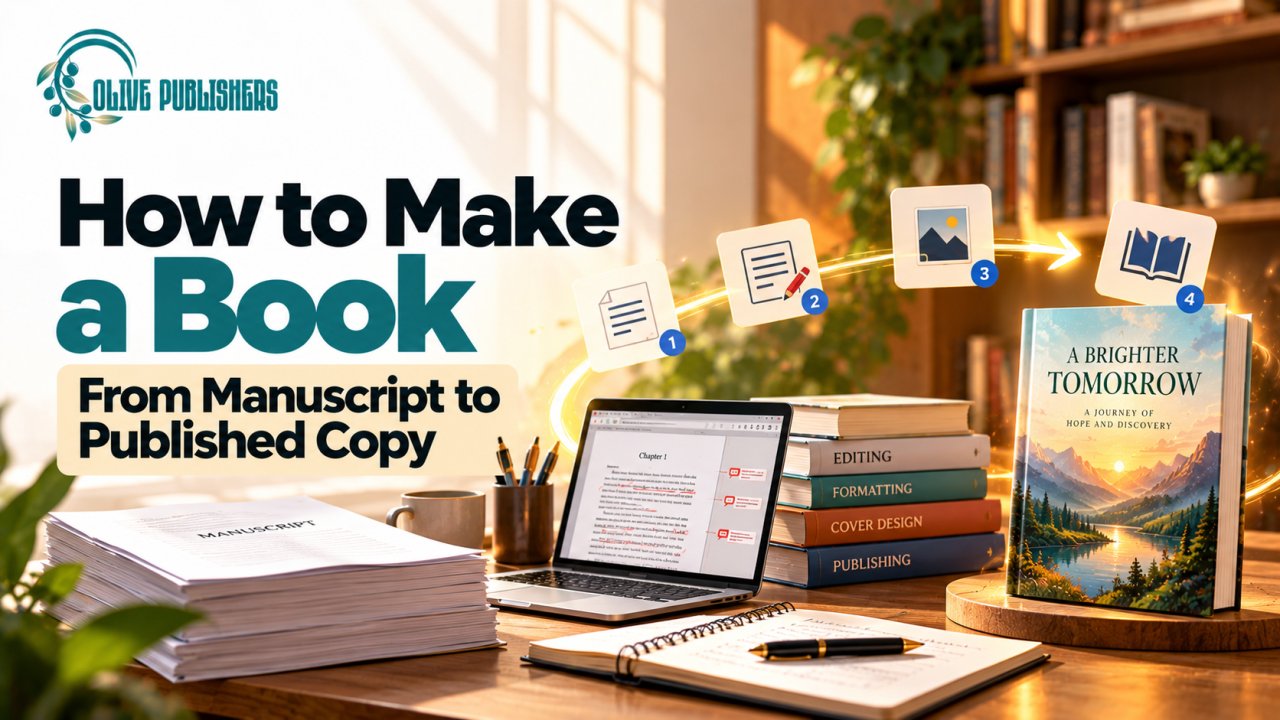
How to make a book depends on the kind of book you have in mind. This guide takes you from the first idea to a finished printed copy and a live ebook, with real costs, clear steps and the mistakes to avoid.
|
Quick Answer • To make a book, write and edit the manuscript, then design the cover and interior. • Buy an ISBN, order a printed proof and publish through a print on demand service. • Costs depend mainly on editing, design and printing. • Choose your path first, since a family photo book needs different tools than a book for sale. |
Table of Contents
1. What Do You Need to Make a Book?
2. How to Make Your Own Book in 10 Steps
3. Make a Book Online With a Book Making Website
4. Book Cost and What Drives the Price
6. Get Readers After You Publish
7. Which Numbers Show Your Book Is Working
8. Who This Guide Is For and Who Should Look Elsewhere
9. Making a Book for the First Time
10. Book Making Help From Olive Publishers
11. Frequently Asked Questions
13. About the Olive Publishers Team
What Do You Need to Make a Book?
What you need to make a book is simpler than most people expect. You need an idea for a specific reader, a written manuscript, an edit, a cover, a formatted interior, an ISBN if you plan to sell it and a way to print or publish. Nothing on that list requires a publishing contract.
Before you start, pick your path. People who search for how to create a book mean four different things.
|
Path |
Best for |
Main tools |
Typical effort |
|
Write and publish a book to sell |
Authors, coaches and experts |
Writing software, editor, designer, print on demand |
A few months |
|
Custom book from a book making website |
Family photo books, gifts and portfolios |
Online book maker with templates |
Hours or days |
|
Handmade bound book |
Journals, craft projects and keepsakes |
Paper, thread, glue and cover board |
One weekend |
|
Ebook only |
Authors who want a low cost, fast release |
EPUB file and a retail platform |
A few weeks |
This guide follows the first path in full, because it covers the most steps. You will also find sections on making a book online with a book making website and on making a book by hand.
How to Make Your Own Book in 10 Steps
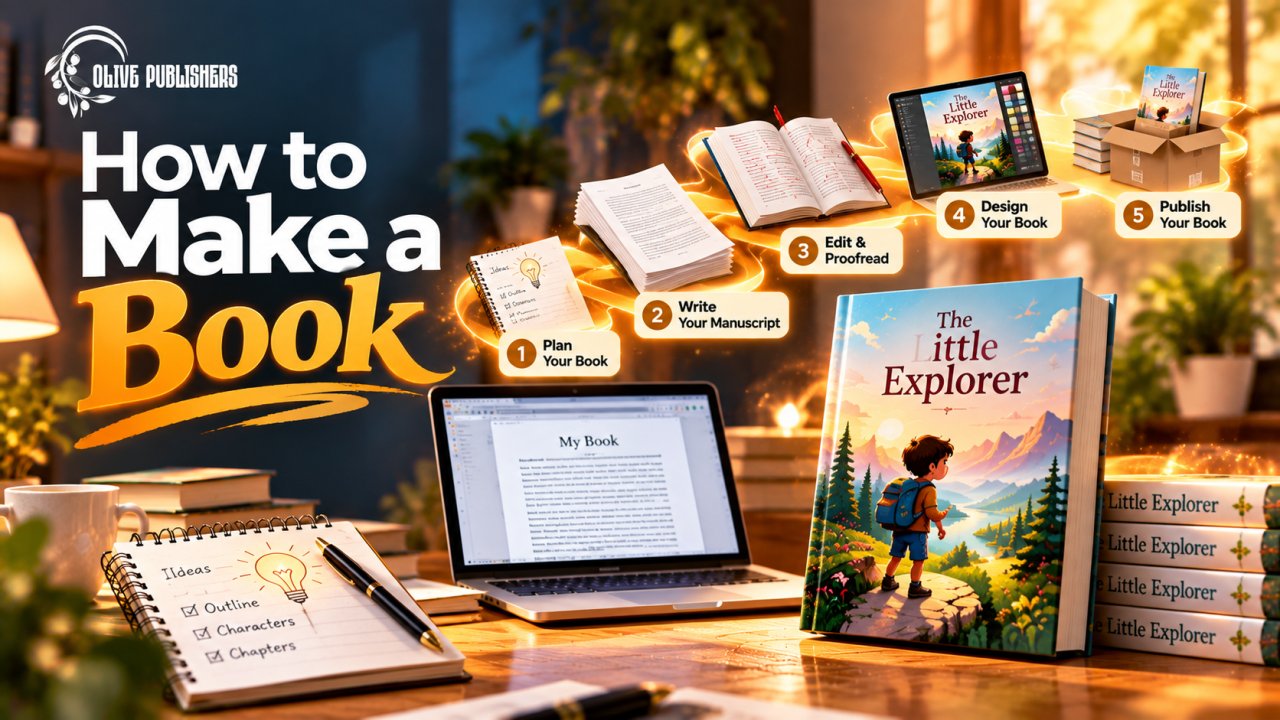
How to make your own book follows the same ten steps whether you publish through a self publishing platform or work with a team. Do them in order, because each step feeds the next.
Step 1 Choose a Clear Topic and Reader
A book works best when it is written for one specific reader. Write one sentence that finishes the line, this book helps (who) to (do or feel what). If you cannot write that sentence, the idea needs more shaping. For fiction, name the genre and the closest popular titles, because readers shop by genre. For nonfiction, name the problem your book solves.
Step 2 Outline and Write the First Draft
How to create a book draft starts with an outline. List your chapters, then break each one into three to five points. Set a daily word goal you can actually keep, even if it is only 300 words. As general guidance, many nonfiction books run between 30,000 and 60,000 words, while many novels run between 70,000 and 100,000. Finish the whole draft before you start editing, since polishing chapter one too early is a common way to stall.
Step 3 Edit in Rounds
Editing happens in rounds. First revise the structure yourself and cut what does not serve the reader. Then bring in an editor for a developmental or copy edit. Last comes proofreading after layout, when typos are easiest to spot. Beta readers from your target audience add a useful outside view for little or no cost.
Step 4 Create the Cover
Your cover is the first thing readers judge. Browse the top books in your category and note the common colors, fonts and layouts, then design something that fits in while still standing out. A print cover is a single flat file that includes the front, spine and back. The spine width depends on your page count and paper. Professional book cover design handles those measurements for you. Write your back cover blurb at the same time.
Step 5 Set Up Your Book Template and Layout
A book template is a document set up with the right page size, margins and styles for print. You can make your own book template in Word or Google Docs. Many printers also offer a free book layout template for common sizes. To write a book template for free, follow these basics.
• Set the page size to your trim size, such as 5.5 by 8.5 inches or 6 by 9 inches.
• Use mirrored margins with a wider inside margin so text is not lost in the spine.
• Apply a heading style to every chapter title instead of formatting by hand.
• Start page numbers after the front matter.
• Never add blank lines to push text onto a new page.
Once you create a book template, reuse it for your next title. If layout feels risky, professional book formatting is worth a look, since interior problems are easy for readers to spot.
Step 6 Buy an ISBN and Register Copyright
An ISBN identifies one edition of your book. In the United States, Bowker charges $125 for a single ISBN or $295 for ten. Each format needs its own number. A free ISBN from a print platform is available, but then that platform is listed as publisher of record. Copyright exists once you write the work. Registering it with the US Copyright Office costs $45 for a single author filing one work online, or $65 for a standard application.
Step 7 Pick How You Will Print
Print on demand prints one copy at a time after an order comes in, so you pay nothing for stock and your book never sells out. A short offset or digital run prints a batch up front, which costs less per copy but needs cash and storage space. Most first time authors should start with print on demand and order a small batch later for events or direct sales.
Step 8 Order a Proof and Fix Errors
Always order a printed proof before approving the book. Check cover color, spine text, margins and page breaks, then read the book again on paper. Fix what you find and reorder if needed. A proof costs little next to the damage of selling a flawed first edition.
Step 9 Make the Digital Version
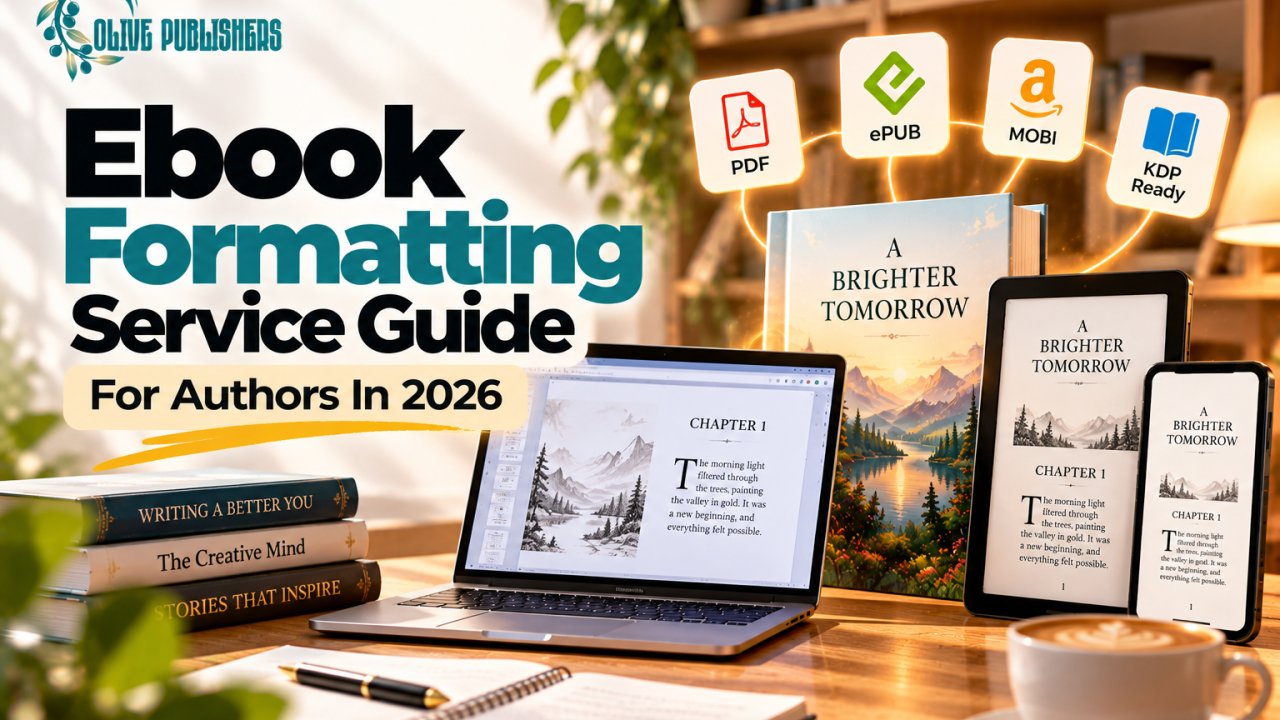
To make a book digital, export your manuscript as an EPUB file. Ebooks use reflowable text, so readers can change the font size. Fixed page numbers and manual spacing do not work. Use real chapter breaks and a linked table of contents. Preview the file on a few devices or in a free preview tool before you upload it.
Step 10 Publish and Sell
Places to publish books include retailer platforms such as Amazon KDP, Kobo Writing Life and Apple Books. Distributors and printers such as IngramSpark and Draft2Digital reach many more stores. You can also sell directly from your own website. Where to self publish books depends on where your readers shop. Many authors combine two services. Add a clear description, two precise categories and keywords readers actually type, then publish.
Make a Book Online With a Book Making Website
To make a book online, a book making website gives you templates, an editor and a printer in one place. These tools fall into two groups. Custom book makers suit gifts, photo albums and portfolios. Print on demand publishing platforms suit authors who want to sell. Choose by what you plan to do with the book.
|
Option |
Best for |
Strength |
Limit |
|
Custom photo book maker |
Family books, yearbooks and portfolios |
Drag and drop templates |
Often no ISBN or retail listing |
|
Print on demand platform |
Authors selling to readers |
Orders print one at a time |
You supply print ready files |
|
Book making company or service |
Authors who want a finished product |
A team handles production |
Costs more than doing it yourself |
|
Short print run |
Events and bulk orders |
Lower cost per copy at volume |
Upfront order and storage |
Custom book making and a book making service can look alike on a sales page, so compare them on the same checklist. This is also the fastest way to find the best make your own book site for your goal, without trusting a ranking list.
• Print quality, which you can judge by ordering a sample
• Available trim sizes and binding types
• ISBN options and whether the book can reach retail stores
• Clear pricing for each copy and for shipping
• Whether you keep ownership of your files
• Support when something goes wrong
Companies that make books are not all publishers. A photo book maker prints what you send, while a publishing company also handles editing, design and distribution. Know which one you need before you pay.
Book Cost and What Drives the Price
Book cost depends on three groups of spending. Production covers editing, cover design and layout. Printing depends on page count, trim size, paper, interior color, binding and quantity. Promotion is the group most first time authors forget. The table shows what moves the price and how to keep it under control.
|
Cost driver |
What changes the price |
Smart choice |
|
Page count |
More pages raise the printing cost |
Edit for length before layout |
|
Interior color |
Color interiors cost more than black and white |
Use color only where the book needs it |
|
Binding |
Hardcover costs more than paperback |
Start with paperback and add hardcover later |
|
Trim size |
Odd sizes can limit printers and raise cost |
Use standard sizes such as 5.5 by 8.5 or 6 by 9 inches |
|
Quantity |
Short runs cost more per copy |
Use print on demand until demand is proven |
|
ISBN and copyright |
Bowker charges $125 for one ISBN or $295 for ten. US copyright registration costs $45 or $65 |
Buy a pack of ten if you plan more books |
Here is the formula that decides whether a book makes money on print on demand. Your royalty equals the list price times your royalty rate, minus the printing cost. For illustration only, a $16.99 paperback at a 60% rate with a $4.50 printing cost earns about $5.69 per copy. Change any one number and the result moves, so test your price against your printing cost before you publish.
How to Make a Book by Hand
How to make a book by hand needs only a few tools and about an afternoon. Handmade books suit journals, sketchbooks and keepsakes. They are not practical for selling in quantity.
• Fold sheets of paper in half and nest a handful of them together to form a signature.
• Make a stack of several signatures, then punch small holes along each fold with an awl.
• Sew the signatures together along the spine with waxed thread and a needle.
• Glue the spine and add a strip of cloth or paper to hold the stitches in place.
• Attach the signatures to cover boards wrapped in cloth or decorative paper.
• Press the finished book under a weight overnight so it dries flat.
Get Readers After You Publish
A finished book still needs readers. Marketing works best when it follows a plan with three goals. Awareness gets the book seen. Engagement turns viewers into subscribers and reviewers. Sales follow when enough warm readers meet a clear offer. Pick tactics that serve those goals.
• Email marketing and lead magnets. Offer a free chapter, checklist or short story in exchange for an email address. A widely quoted Litmus benchmark puts average email marketing return at $36 for every $1 spent, though that figure covers businesses in general and not books specifically.
• Reviews and PR outreach. Send advance copies to book bloggers, apply for NetGalley or a Goodreads giveaway where it fits and consider a review service such as Kirkus. Goodreads has more than 150 million members.
• Amazon marketing. Choose precise categories, write a selling description and test small Amazon Ads campaigns.
• Social media marketing and influencer marketing. Share short clips and teasers where your readers spend time and send free copies to creators in your genre.
• Meta Ads. Test a few images and audiences on Facebook and Instagram with a small budget.
• Content marketing and search engine optimization. Write helpful posts on your author website so readers can find you through search.
• Book launch marketing. Build momentum with advance reviews, preorders and email announcements around release day.
• Post launch and backlist marketing. Keep promoting after launch week and point new readers to your earlier titles.
The market is large enough to reward the effort. At outlets that report to Circana BookScan, US print book sales reached 762.4 million units in 2025. It is also crowded, since Bowker counted more than 2.6 million self published titles with ISBNs in 2023.
Which Numbers Show Your Book Is Working
Once your book is live, track a few numbers each week and ignore the noise. Sales alone hide the cause, so look at the steps before the sale.
|
Metric |
What it tells you |
Healthy habit |
|
Amazon Best Sellers Rank (BSR) |
How you compare with other books right now |
Watch the weekly trend and not the hourly swings |
|
Click through rate (CTR) |
Whether an ad or email earns clicks |
Test a new cover or headline when it stays low |
|
Advertising cost of sale (ACOS) |
Ad spend divided by ad sales |
Keep it below your royalty percentage to avoid losses |
|
Conversion rate |
How many page visitors buy |
Improve the cover, description and reviews |
|
Email open rate |
Whether your subject lines work |
Treat it as a rough guide, since some mail apps inflate opens |
|
Royalty per copy |
What you keep after printing costs |
Recheck it whenever you change price or format |
Who This Guide Is For and Who Should Look Elsewhere
This guide fits authors and creators who want to make a book they can sell or share widely. It suits first time authors, experts turning knowledge into a book and writers who want to publish a series.
It may not be the right fit if you only want a single keepsake copy for family. A custom photo book maker or the handmade method above will be faster and cheaper. It is also not the right fit if you want a guaranteed bestseller, because no process can promise one.
Making a Book for the First Time
Making a book for the first time goes smoother when you avoid a few predictable mistakes.
• Skipping the edit and relying on spell check
• Choosing a trim size or page count after the layout is done
• Using a cover that ignores the genre
• Buying an ISBN from a random reseller
• Ordering a large print run before proving demand
• Planning no marketing until after launch day
A simple checklist before you publish keeps you honest. Confirm that the manuscript is edited, the template matches your printer, the proof is approved and the book description is written. Check your ISBN, your price and your categories. Make sure your email signup page is ready, so launch week builds your list as well as your sales.
Book Making Help From Olive Publishers
Book making help from Olive Publishers is built for authors who want professionals on the stages that slow most people down. Olive Publishers is a book publishing and book marketing company that works with first time and self published authors, from writing support and editing through cover design, formatting, publishing and promotion. You can see how the process works on the Olive Publishers page for book publishing services.
Here are straight answers to the doubts authors raise most.
• Is it cheaper to make a book myself? Often in cash, rarely in time. Compare the price of each service with the hours you would spend and the cost of mistakes.
• Will I keep ownership of my book? Ask for rights, files and ISBN ownership in writing from any provider, including Olive Publishers, before you sign.
• Can anyone promise sales? No. Nobody can guarantee sales, rankings or a bestseller. Olive Publishers does not promise them. A good team can improve quality and keep your promotion steady.
Ready to Make Your Book?
Ready to make your book with a clear plan? Use the ten steps in this guide, pick the print route that fits your budget and set aside time for promotion. If you would rather have experienced help, contact Olive Publishers through the website and share your manuscript, your goals and your timeline. The team can suggest what your project needs next.
Frequently Asked Questions
How do I make a book from scratch?
To make a book from scratch, choose a topic and reader, write and edit the manuscript, then design the cover and interior. Buy an ISBN if you will sell the book, order a printed proof and publish through a print on demand or retail platform. Add an ebook version for wider reach.
How much does it cost to make a book?
Making a book costs anywhere from almost nothing for a do it yourself ebook to several thousand dollars with professional editing, cover design and marketing. An ISBN costs $125 from Bowker, or $295 for ten. Printing cost depends on page count, trim size, color and binding.
Can I make a book online for free?
You can make a book online for free on platforms that charge no setup fee, such as Amazon KDP, which earn money from each sale. Your time and the quality risk remain, because editing, cover design and promotion still need to be done by you or by someone you pay.
How do I make a book digital?
To make a book digital, export your finished manuscript as an EPUB file with real chapter breaks and a linked table of contents. Preview it on a few devices, then upload it to a retailer or distributor. Ebooks use reflowable text, so avoid fixed page layouts and manual spacing.
What do you need to make a book?
What you need to make a book is an idea for a specific reader, a manuscript, an edit, a cover and a formatted interior. To sell it, add an ISBN and a printer or publishing platform. Handmade books need only paper, thread, glue and cover board.
How do I create a book template?
To create a book template, set your page size to the printer's trim size, use mirrored margins with a wider inside margin and apply heading styles to chapters. Add page numbers after the front matter. Save the file so you can reuse it for later books.
Where can I publish my book?
You can publish your book on retailer platforms such as Amazon KDP, Kobo Writing Life and Apple Books, or through distributors and printers such as IngramSpark and Draft2Digital. You can also sell from your own website. Choose where your readers already shop.
How long does it take to make a book?
Making a book usually takes a few months for a first time author who writes, edits, designs and publishes with care. Writing the draft takes the longest. Cover design, layout, proofing and the upload add several weeks. A handmade book can be finished in a weekend.
About the Olive Publishers Team
Olive Publishers is a book publishing and book marketing company that helps authors, including first time and self published authors, publish and promote their books. The team works across writing support, editing, cover design, formatting, publishing and promotion, which is why this guide covers the whole path from idea to printed copy. Figures in this article come from Bowker, Circana BookScan, the US Copyright Office and Litmus. Prices and platform rules change, so confirm current terms before you spend money.